 OYOM
Blog
Gifts Under $25: The Price-Sorted Post for Small Business Saturday
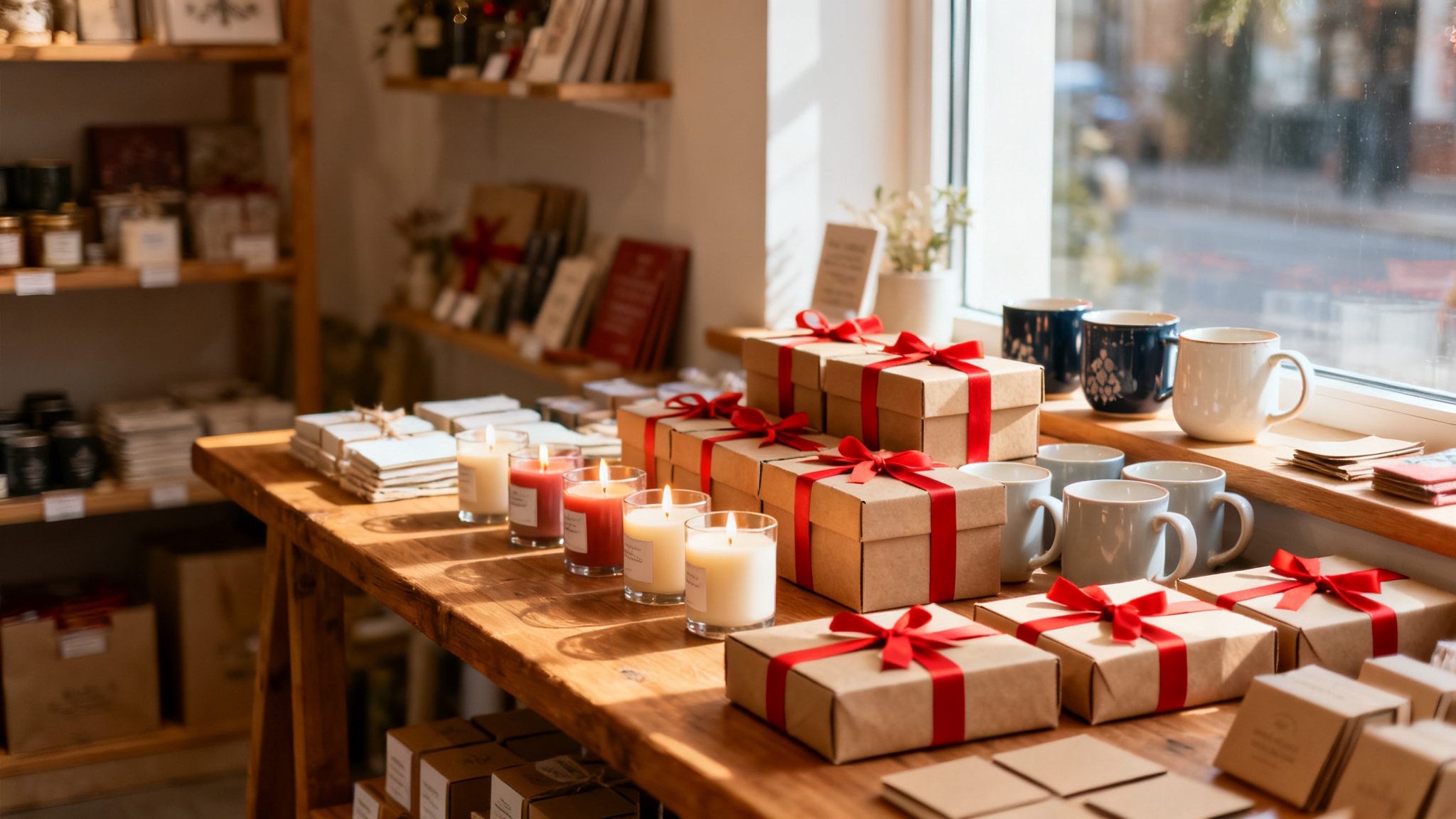
Shoppers this season are spending, but they're watching every dollar. A simple "gifts by price" post answers the first question they have before they ever walk in: what can I get here for my budget?
The idea: sort your shop by price, not by category
Most shops post one product at a time. This week, try one post that does the shopping math for people: Gifts under $25, under $50 and under $100, three to five real items in each group, each with its price.
Why now? The National Retail Federation expects holiday spending in November and December to reach about $1.013 trillion, up 4.2% from last year. In the same release, NRF's CEO said shoppers "will prioritize the holiday season even as they remain mindful of their budgets." A price-sorted guide speaks right to that: people can spend, and they want to know exactly what they get.
It also gives Small Business Saturday (November 28 this year, two days after Thanksgiving) a clear reason to visit you instead of scrolling a big store's app.
How to shoot it in one afternoon
- Pull the products. Pick 9 to 15 items you have plenty of. Skip anything that might sell out by Saturday.
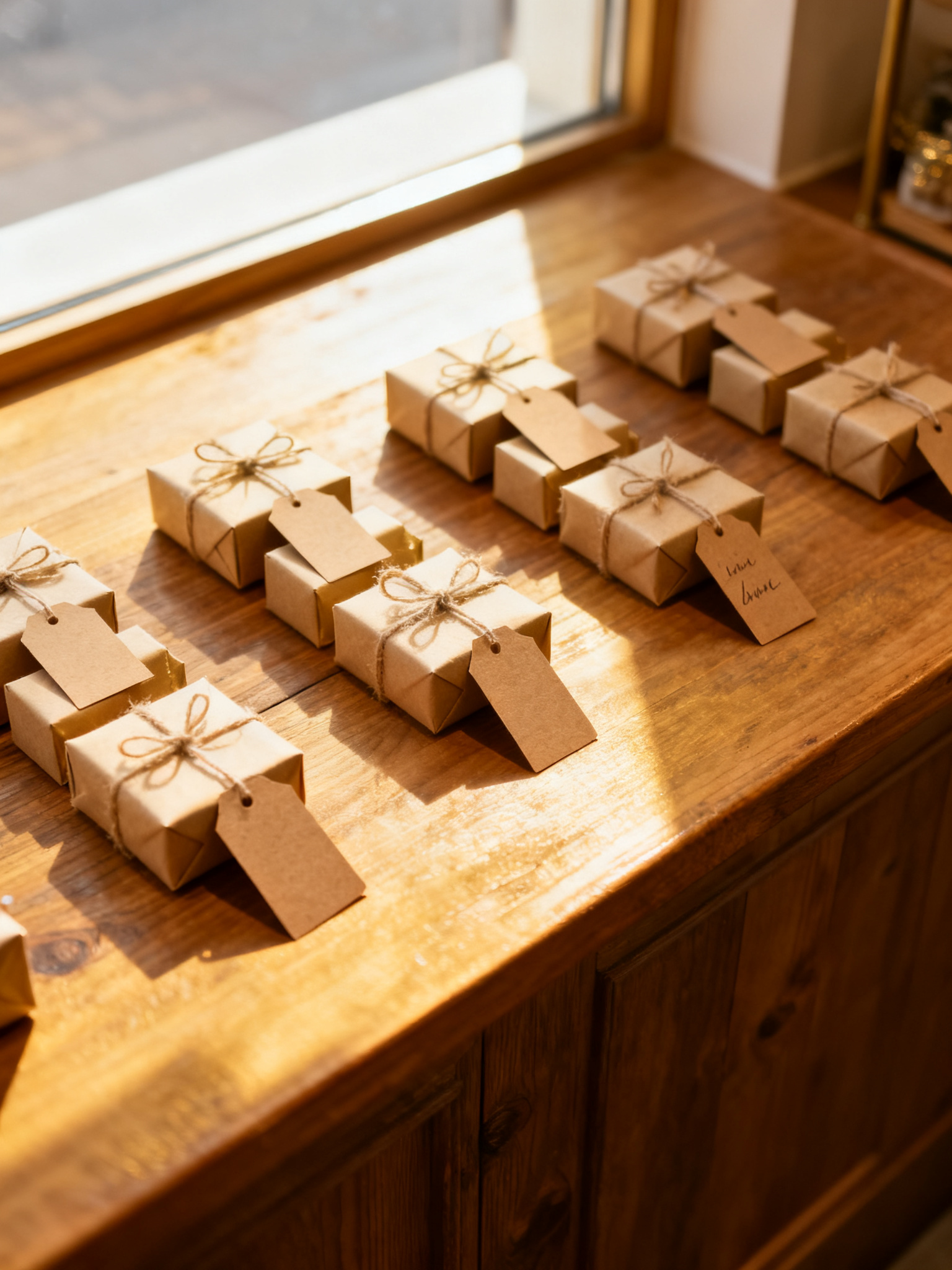
- Group them on one surface. A counter, a table or a shelf by a window. One price group per photo.
- Shoot each group from above, then one close-up of the best item in each group. Natural light, no flash.
- Add the price on every item. A small handwritten tag in the photo works great and feels local.
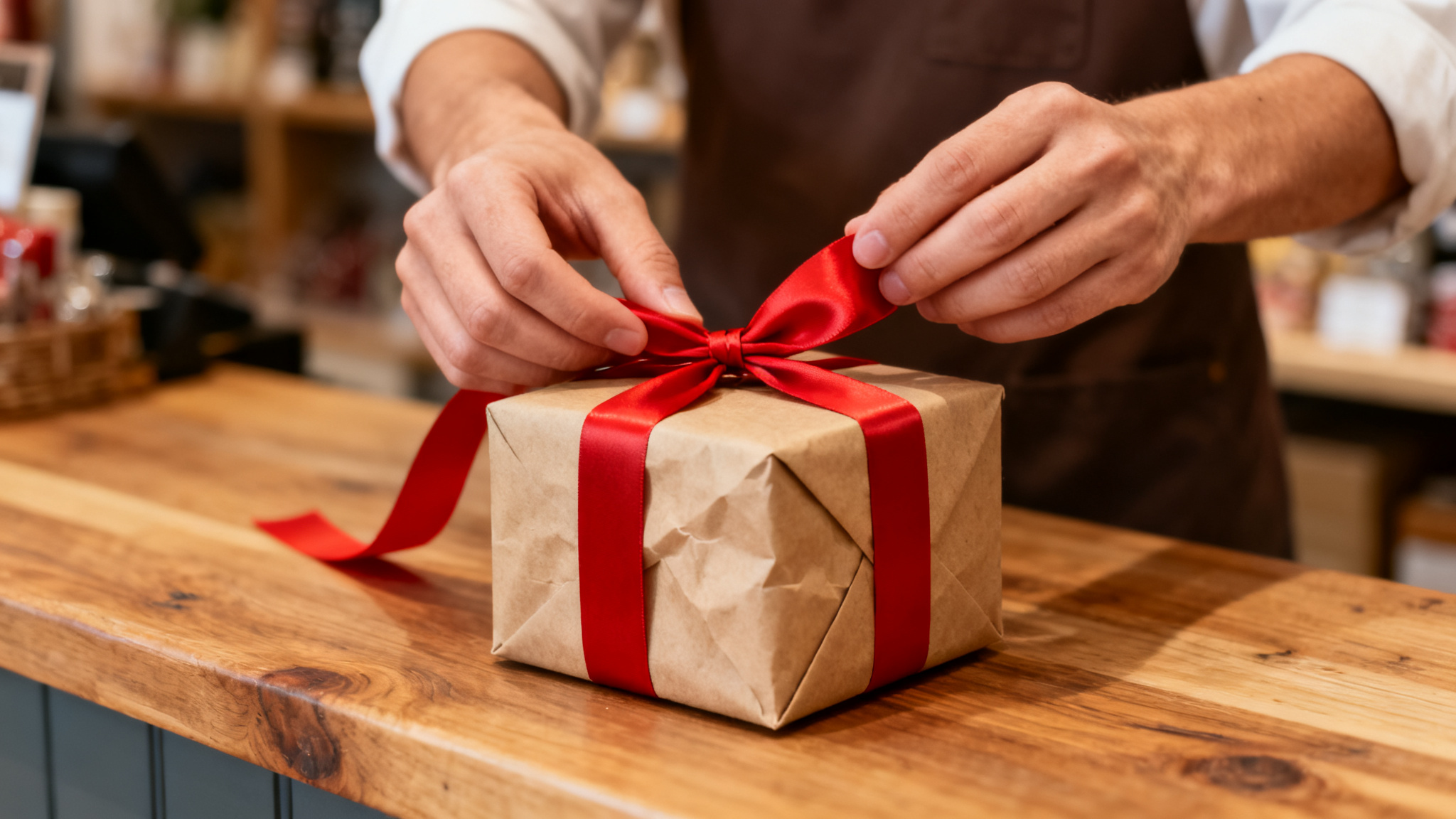
- Shoot one short clip of someone wrapping a gift at your counter. That becomes your last slide or your Reel.
Instagram lets you put up to 20 photos and videos in one carousel post, so you have room for all three groups plus close-ups. Keep it tighter than that: around 6 to 10 slides is plenty to swipe through.
The order that keeps people swiping
- Slide 1, the hook: "Gifts under $25 that don't look like gifts under $25." Show your best cheap item, big.
- Slides 2-3: the under-$25 group, then a close-up.
- Slides 4-5: under $50.
- Slides 6-7: under $100.
- Last slide, the ask: your hours for Small Business Saturday, whether you gift wrap, and how to reserve an item (call, DM or "comment the item and we'll hold it").
Write the caption the same way: one line per price group, with the item names. A caption that says "candles, mugs, kids' books" tells people what's inside before they even swipe.
Turn the same post into a 15-second video
Use the same photos and clip for a short vertical video:
- 0-3 seconds: say or show the hook ("Three gifts under $25, go").
- 3-12 seconds: one item per second or two, price on screen.
- 12-15 seconds: the wrapping clip with your Saturday hours.
Post the carousel on Instagram and Facebook, and the video as a Reel and a TikTok. Pin the carousel to the top of your profile until Christmas so new visitors see it first.
Copy these ad ideas
Here are three prompts you can use as they are, or swap in your own shop and items (these businesses are made up):
- "Bramblewick Goods, a cozy gift shop: a top-down photo of five wrapped gifts and small candles on a wooden counter by a window, headline 'Gifts Under $25', small line 'Free gift wrap this Saturday'."
- "Paper Lantern Toy Co.: a 15-second vertical video showing three wooden toys one by one with their prices, ending on a hand tying a red ribbon, words 'Shop small this Saturday'."
- "Saltgrass Supply Co., a coastal boutique: a gift guide carousel cover with a linen tote, a ceramic mug and a soy candle on a sandy-colored table, headline 'Gifts Under $50'."
Your checklist for this week
- Pick 9-15 items and sort them into three price groups.
- Shoot the groups, close-ups and one wrapping clip.
- Post the carousel by Wednesday, the Reel on Friday, and pin the carousel.
- Answer every "do you have this?" comment the same day.
Want the ads made for you? Type your gift guide idea into the Studio on OYOM.ai and get a finished image or video ad in minutes.