 OYOM
Blog
Get fresh Google reviews before the holiday rush

Most people who get asked for a review leave one. So the fastest way to look busy and trusted before the holiday rush is simple: ask, every single day, starting this week.
Why fresh reviews matter right now
People don't just look at your star rating. They look at how recent your reviews are. In BrightLocal's Local Consumer Review Survey 2026, 74% of consumers said they look for reviews from the last three months, and 32% look for reviews from the last two weeks (up from 20% the year before).
The good news is in the same survey: 78% of people were asked for a review in the past year, and 83% of those who were asked went on to leave one. Most of your happy customers will help you. They just need a quick, easy ask.
Step 1: Get your review link and QR code (5 minutes)
Google gives every business a direct review link. Google's help page shows how:
- Go to your Business Profile at business.google.com.
- Select Read Reviews, then Get more reviews.
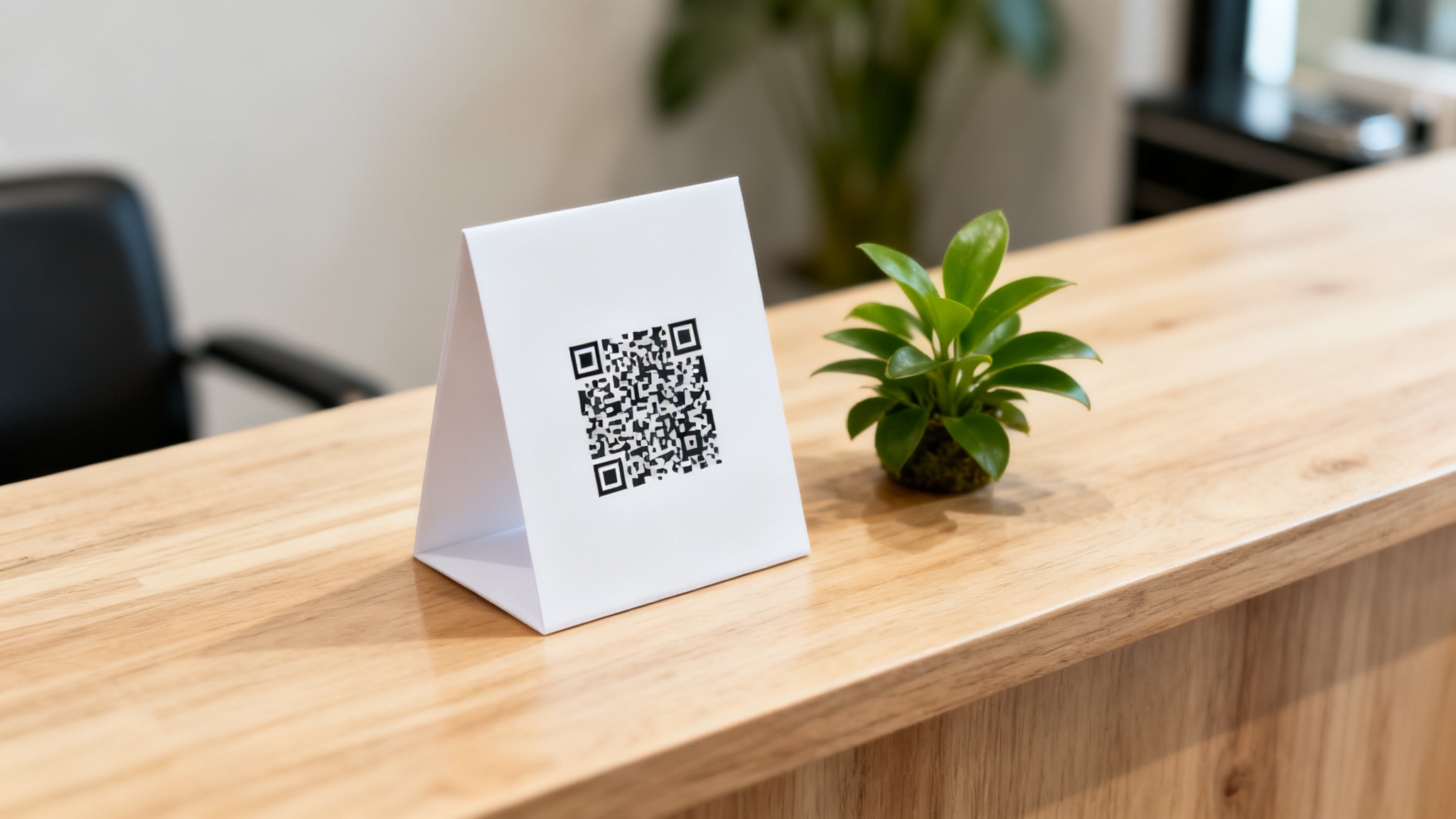
- Copy the link, or save the QR code.
One catch: Google says the review QR code can only be made on a computer browser, not on a phone. Do it once on a laptop and save the picture.
Step 2: Ask at the "wow" moment
Ask when the customer is happiest, not days later. For most local businesses that's a clear moment:
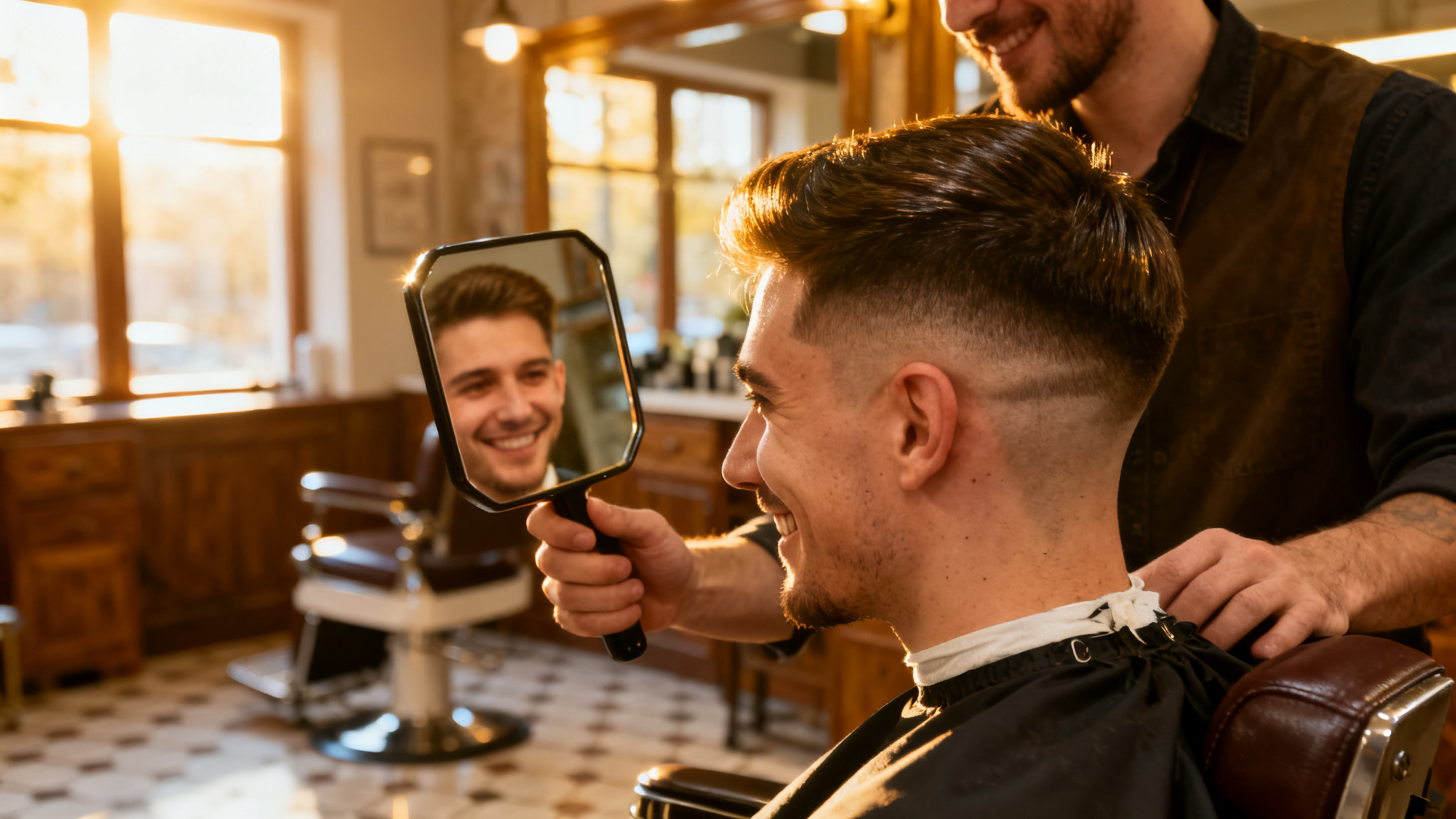
- Barbers and salons: when they see the mirror.
- Nail and brow studios: when they're snapping a photo of their hands or brows.
- Auto shops and detailers: when they pick up the keys.
- Groomers: when the dog comes out fluffy.
- Cafes and bakeries: at the counter with the QR code by the register.
Keep the words short and real. Try: "It would really help us if you left a quick Google review. Here's the link." Then send the link by text before they leave, so it's waiting on their phone.
Put the printed QR code where people wait: the front desk, the mirror station, the checkout counter. Google's page also suggests adding the link to receipts, thank-you emails and the end of a chat.
Step 3: Don't pay for reviews (it can get you in trouble)
This part is important. Google's tips page says that offering incentives, like free or discounted goods or services, in exchange for reviews is "strictly prohibited."
The FTC also has a final rule banning fake reviews and testimonials. It stops businesses from offering compensation or other incentives in exchange for reviews that say something positive (or negative), whether that is said outright or only implied. It also bans using threats or intimidation to get a negative review taken down.
So: no "10% off for a 5-star review." Just ask everyone, honestly. Google itself says a mix of positive and negative feedback often feels more trustworthy.
Step 4: Reply to every review, in your own words
Asking is half of it. Replying is the other half. In the same BrightLocal survey:
- 89% of consumers expect owners to respond to reviews.
- 80% are likely to use a business that responds to all of its reviews.
- 50% are unlikely to choose a business whose replies sound templated or generic.
- 32% expect a reply by the next day.
Set a 10-minute block each morning. Thank people by name, mention what they got ("glad you loved the skin fade"), and keep it human. For a bad review, stay calm, own what's fair, and invite them to talk to you directly.
Step 5: Turn a great review into your next post
A real review is the best ad copy you'll ever get, because a customer wrote it. With their OK, share their words in a simple post or short video. Quote them word for word and credit them (first name or "a Google review").
Here are prompts you can copy and change for your own business:
- "A cozy barbershop at golden hour, a barber brushing off a client's fresh fade. Headline: '“Best cut I've had all year.” – a Google review'. Small line: Copperleaf Barber Co. · Book this week."
- "Close-up of perfectly shaped brows in soft window light, a mirror on a white counter. Headline: 'Our clients said it best.' Small line: 4.9 stars on Google · Tidepool Brow Bar."
(Only use a rating and quotes you really have. Never write a review yourself.)
Your one-week plan
- Today: get your review link and QR code.
- Tomorrow: print the QR code and put it by the register or mirror.
- Every visit: ask once, at the wow moment, and text the link.
- Every morning: reply to new reviews.
- End of the week: share your favorite review as a post.
Want that review turned into a scroll-stopping image or video ad? Make one in the Studio on OYOM.ai.